Selling & Item Worth
Sell your loot
/sell
This opens a window. Drop items into the deposit grid on the right and watch your live earnings update on the left. Hit Sell to cash out, or Cancel to back out.
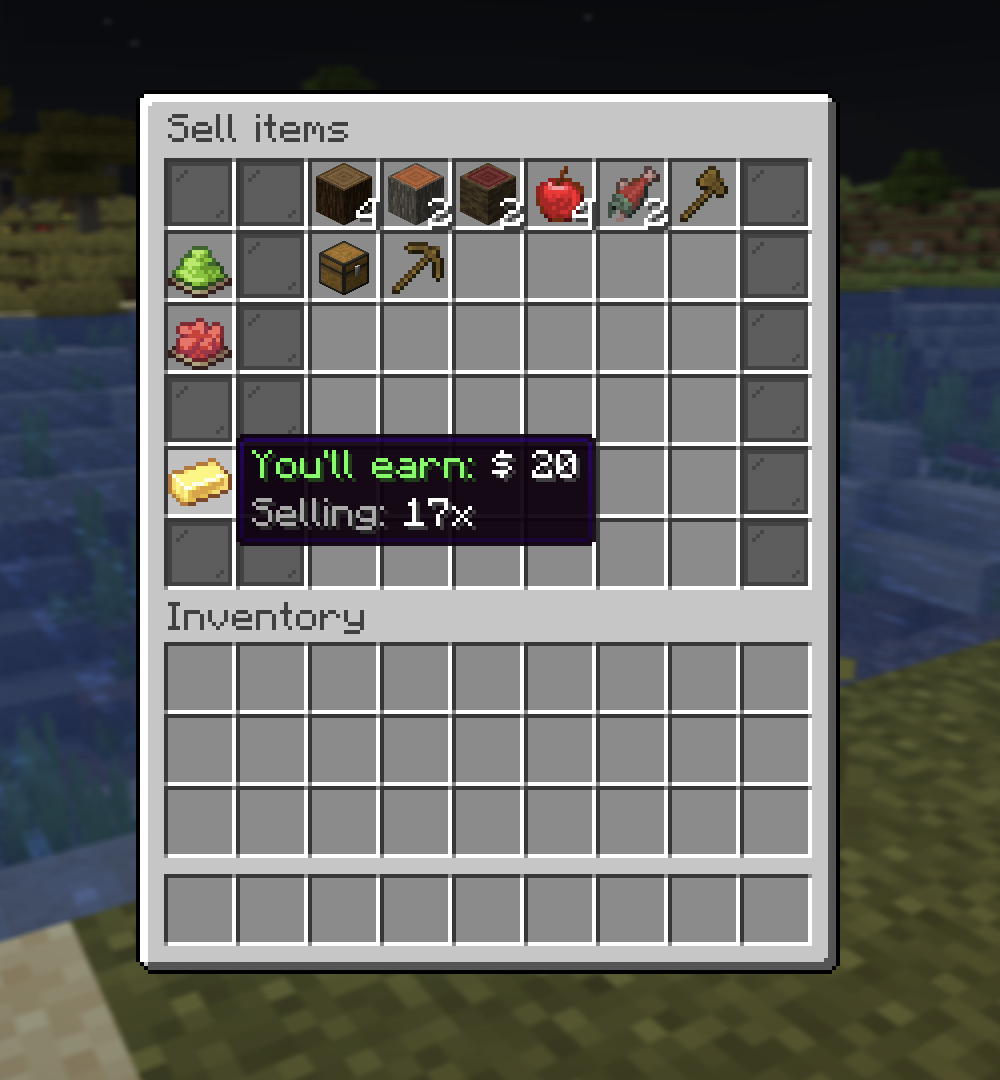
- You're paid 50% of each item's worth, minus a 5% house fee (so you net about 47.5%). The live earnings shown in the menu already include the fee.
- The same 5% fee applies when you Sell it all from a spawner's loot or XP.
- Anything left in the grid when you close is handed back, you never lose items.
What can't be sold
- Custom / protected items (crate keys, spawners, Amethyst tools, custom maps, and anything marked Can't be sold, listed or traded).
- Items with no worth: creative, admin or technical items you can't come by in survival (command blocks, barrier, structure and test blocks, light, debug stick, spawners), and every spawn egg. Just about everything else you can hold has a price, ores and potions included.
- A shulker box or bundle only sells if everything inside it can be sold, otherwise it bounces back out so a protected item never slips through.
Checking worth
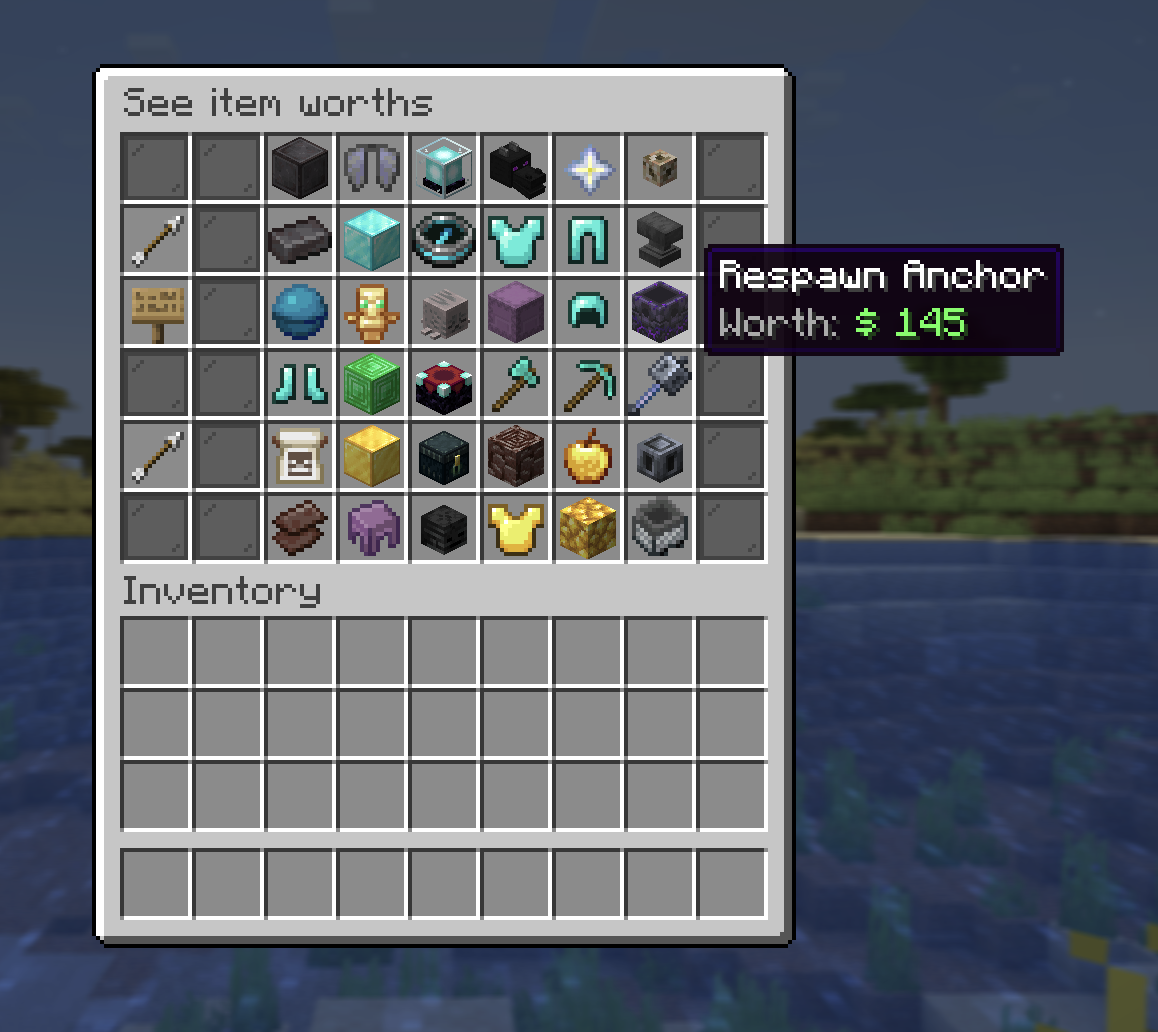
The /worth menu
/worth
Browse every sellable item with its /sell value, sorted from most to least
valuable. There's a name search if you're looking for something specific.
The item tooltip
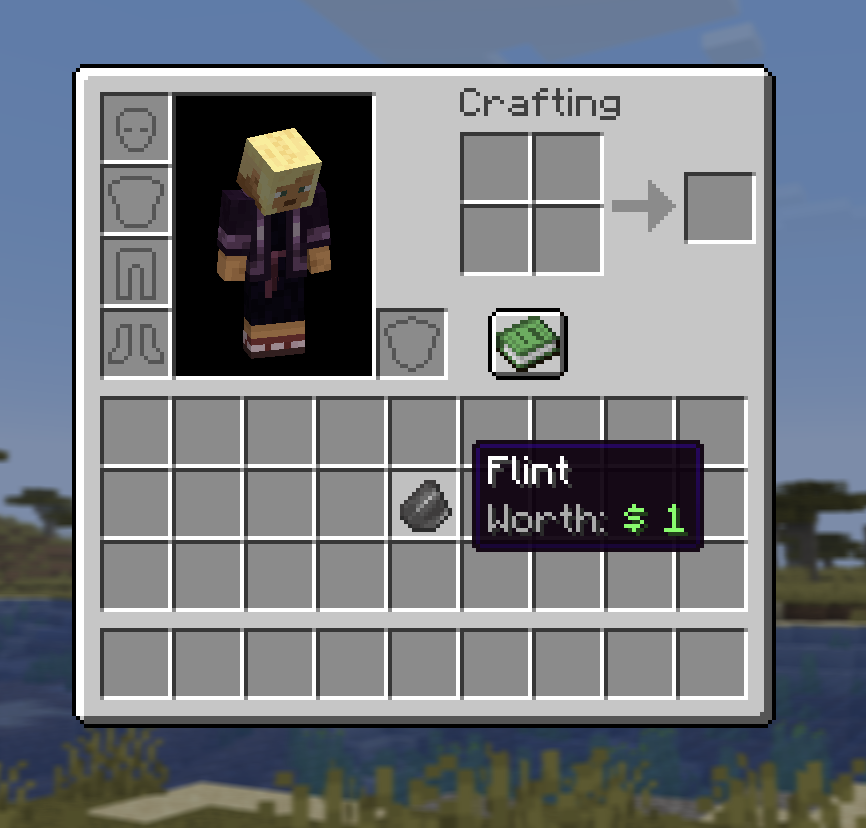
You don't even need the menu. Hover any real item in your inventory and its
tooltip shows a Worth: line automatically, so you always know what your
loot is worth before you sell it. It's the per-item payout, and every price
is a whole dollar, so worth × amount is exactly what /sell pays.
Menu icons (in the shop, auction house, etc.) don't show a Worth line, only real items in your inventory do.
:::tip Whole dollars only Every item is worth at least $1, and no price ever has cents. Even the cheapest blocks (planks, slabs) sell for a round dollar each. :::