The Command Menu
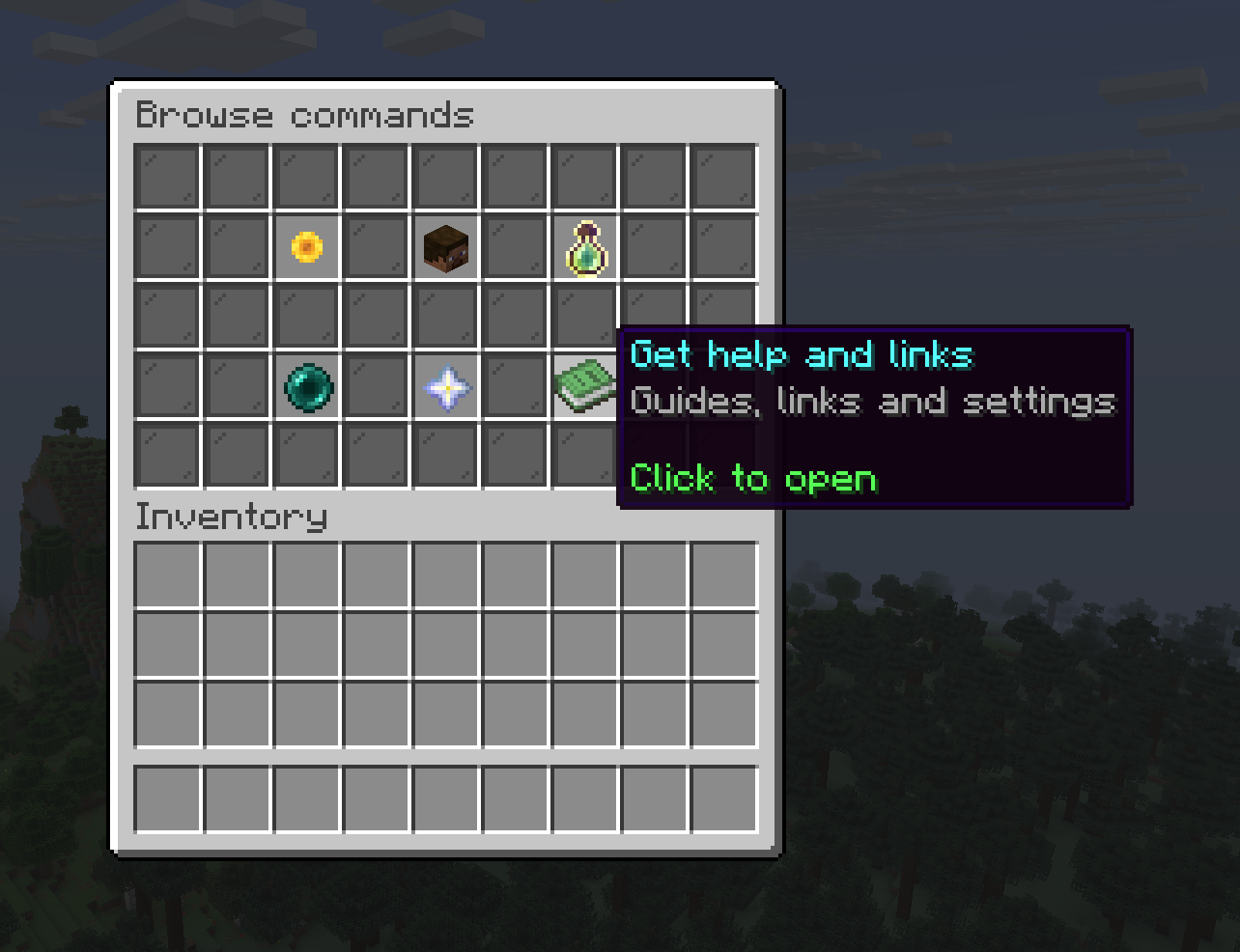
Can't remember a command? Type /menu anywhere for a clickable hub over
everything you can do on the server.
/menu
How it works
The landing screen shows six tiles, one per thing you can do. Click a tile to open its sub-view, where every icon is a command with its name, a one-line hint, and the slash-command itself shown in aqua.
- Click to open a command that opens a screen, like
/sellor/shop. The menu closes and the command runs. - Some commands need details you have to type, like
/pay [player] [amount]. The icon shows the full syntax and says Click to see it in chat: click it and the menu prints the command for you to type. - Back returns you to the six tiles.
What's inside
| Tile | Commands |
|---|---|
| Buy and sell | /sell, /worth, /shop, /ah, /orders, /crates |
| Talk and team up | /team, /trade, /friends, /followers, /pay, /tc, /msg, /reply |
| Track your progress | /daily, /levels, /lb, /stats, /bounties, /titles |
| Teleport around | /homes, /warps, /rtp, /tpa, /tpahere, /tpaccept |
| Unlock perks | /plus, /media, /map |
| Get help and links | /wiki, /discord, /linkdiscord, /store, /vote, /events, /settings, /report |
astuce
Everything in the menu also works as a normal command. /menu is just the
fastest way to find one when you forget the name.