Stats & Leaderboards
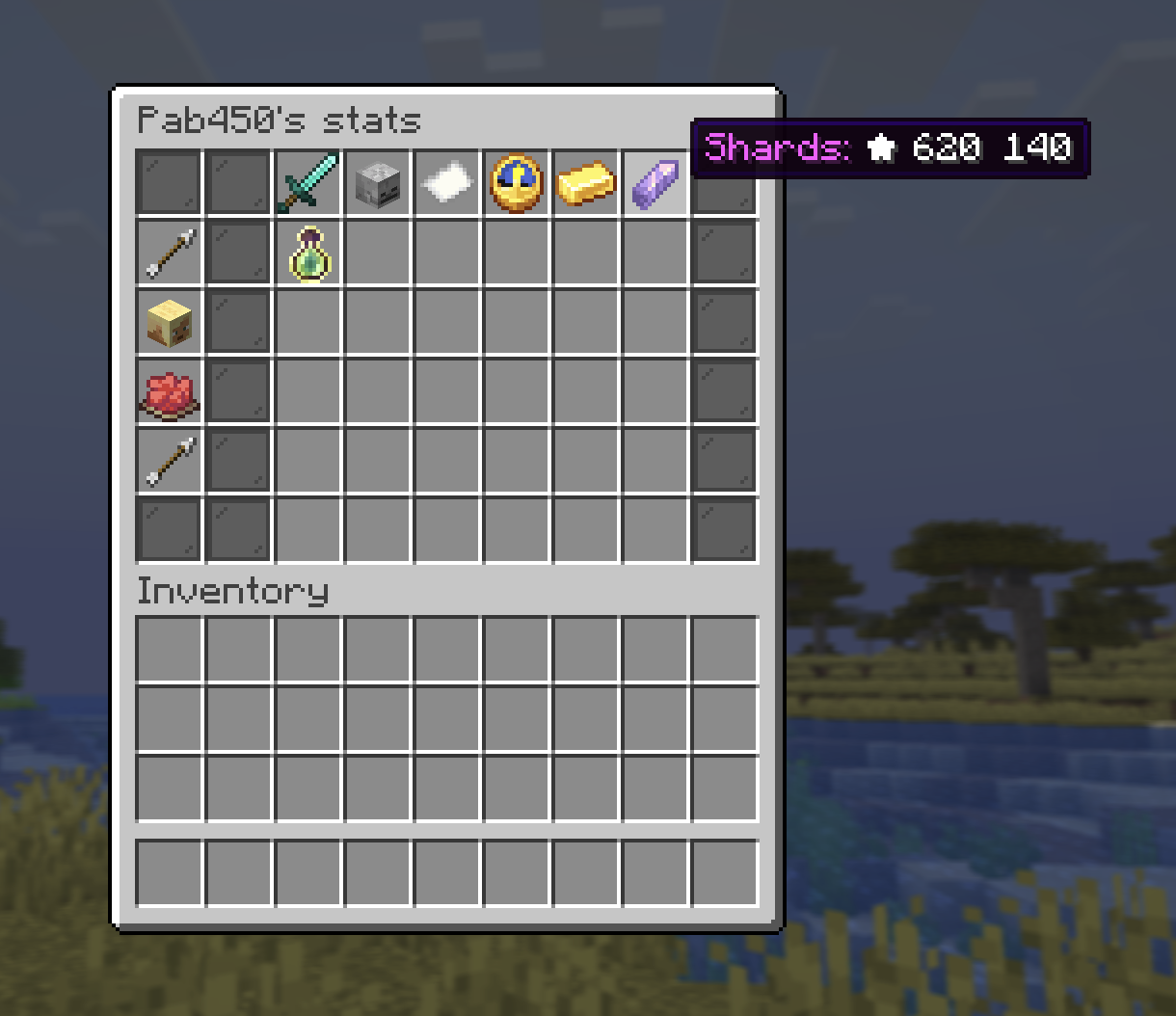
Your stats
/stats
See your own numbers or look up another player: Kills, Deaths, K/D, Playtime, Money, Shards, Level. Playtime counts your current session live, and only the time you're actually playing: time spent AFK doesn't count.
Leaderboards
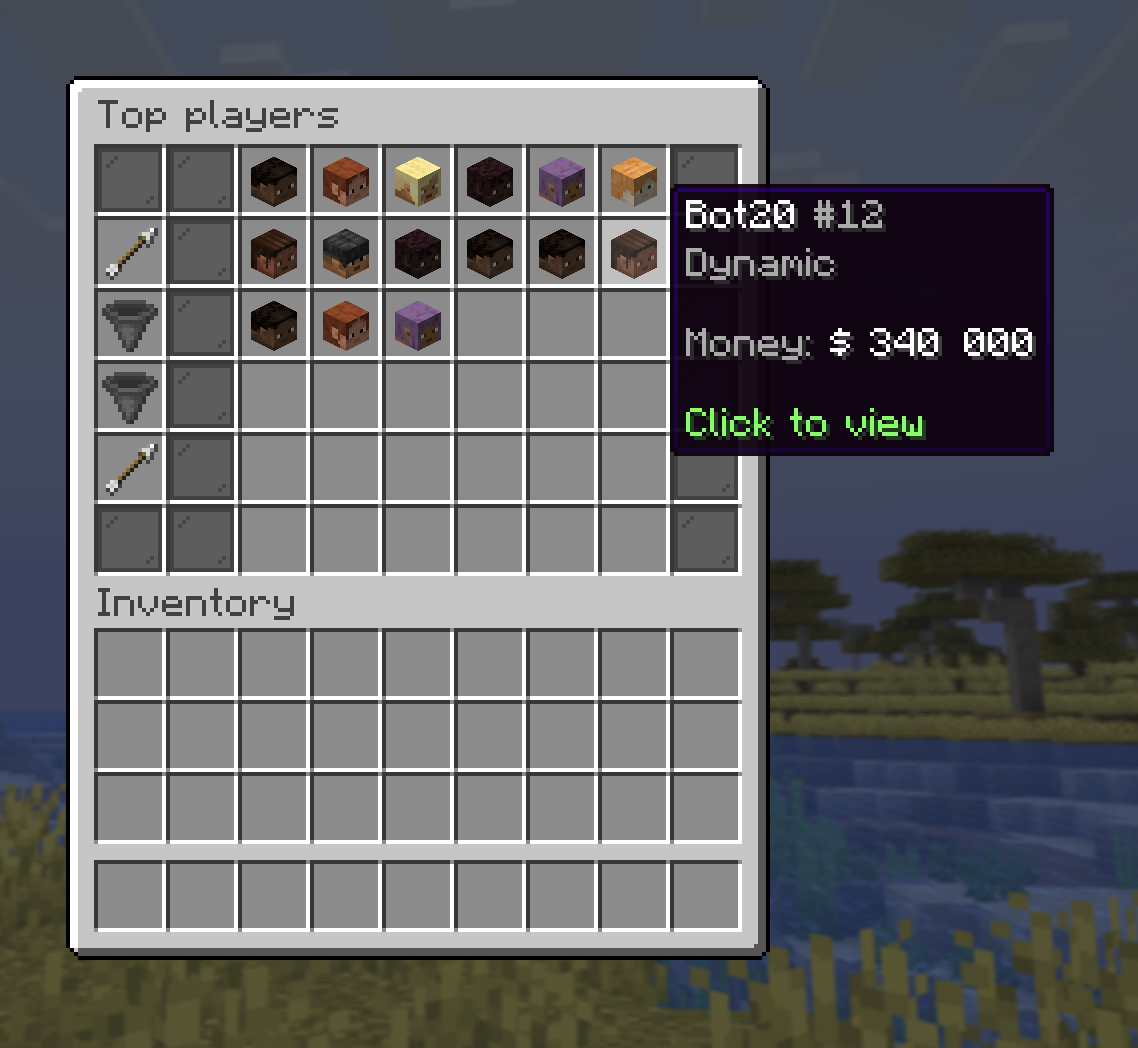
/lb
Server rankings, sortable by Money, Shards, Kills, Deaths, K/D, Playtime, or Level. The View button cycles six boards: Everyone, Friends, or Teams, each in all time or this week. The Sort button offers the same seven metrics on every one of them: this week shows each one for the current week only (money earned, shards earned, kills, deaths, K/D, playtime, and levels gained), and your chosen sort carries over when you switch views. Every one of the seven awards weekly crate keys to its top 3 (see Progression). Your global rank is kept even when you filter to friends. Click any player's head to open their stats panel, and their banner there to see the team they play with.
Team board
Cycle View to Teams and the same seven metrics add up your
team's members instead of ranking individuals, with your
team's banner as the icon. Click a team to see who's in it: every member with
their role and whether they're online, and a click on a head opens that player's
stats. /team also has a Team leaderboard shortcut
(landing screen and roster) that opens /lb for you. Teams win weekly crate
keys the same way players do, see Progression.