Teams
Team up, share a vault, and show a team tag next to your name.
/team
If you're in a team it opens your roster. If not, you get a landing screen to create one or see pending invitations.
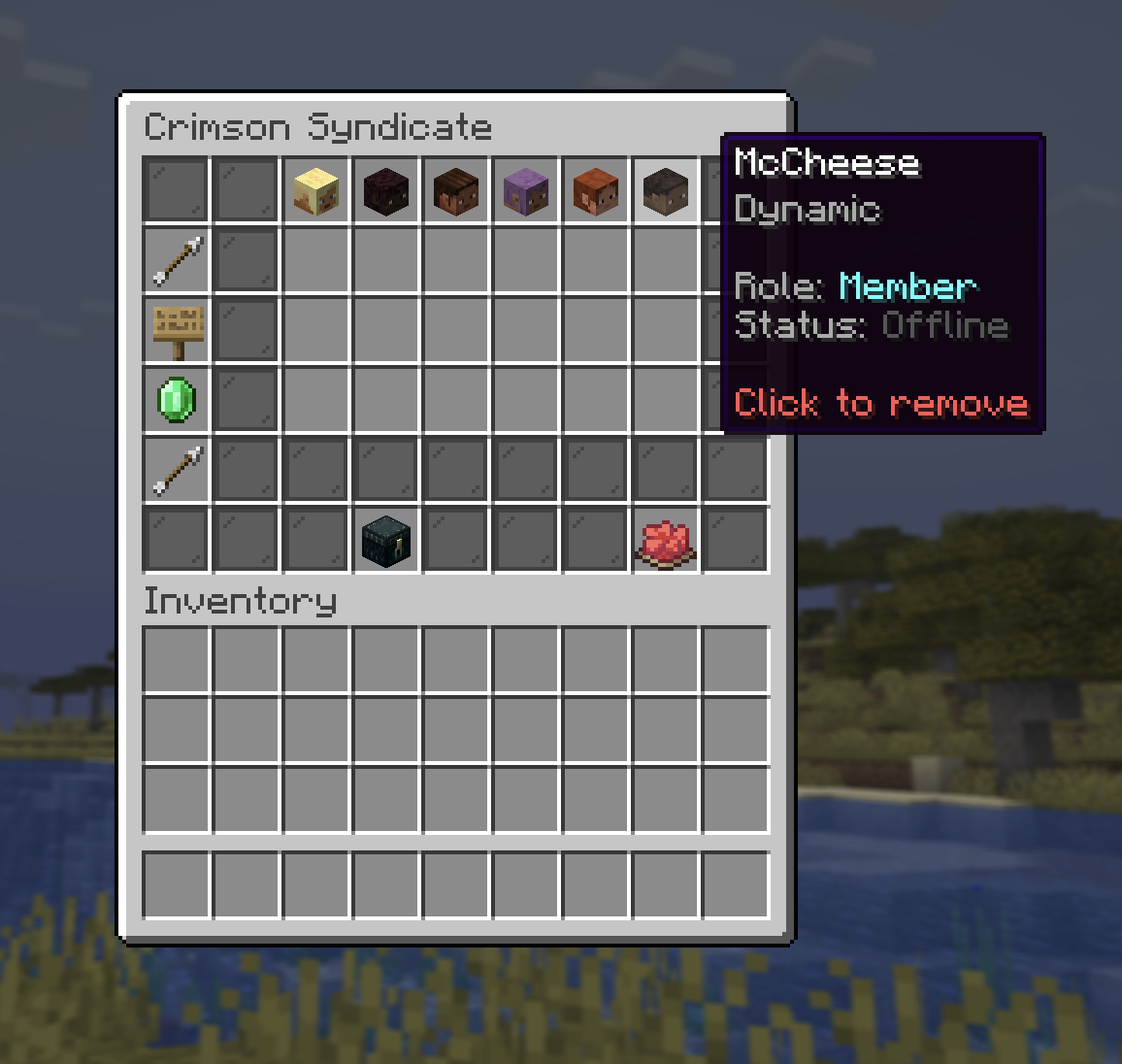
Being on a team does not stop PvP between members, team-kill is legal. Teams track membership and share a vault, nothing more. Trust your teammates.
Creating & managing
| Action | Who |
|---|---|
| Create (name up to 24 characters) | Anyone not already in a team |
| Invite a player | Owner |
| Accept an invite | Invited player |
| Leave | Any member |
| Remove a member | Owner (with confirmation) |
| Disband | Owner |
Inviting respects the target's Invites privacy setting, and you can't invite past the member limit.
When the owner disbands the team, the shared vault is destroyed. Empty it first.
Member limit
The limit is set by the highest rank among all members:
| Best member rank | Max members |
|---|---|
| No rank | 12 |
+ | 24 |
++ | 48 |
+++ / media | 96 |
Shared vault
Your team has a shared vault (up to 96 slots), split into tiers that unlock as the team's rank climbs. Locked tiers show as colored panes and simply become accessible again if the rank goes up, nothing inside is lost.
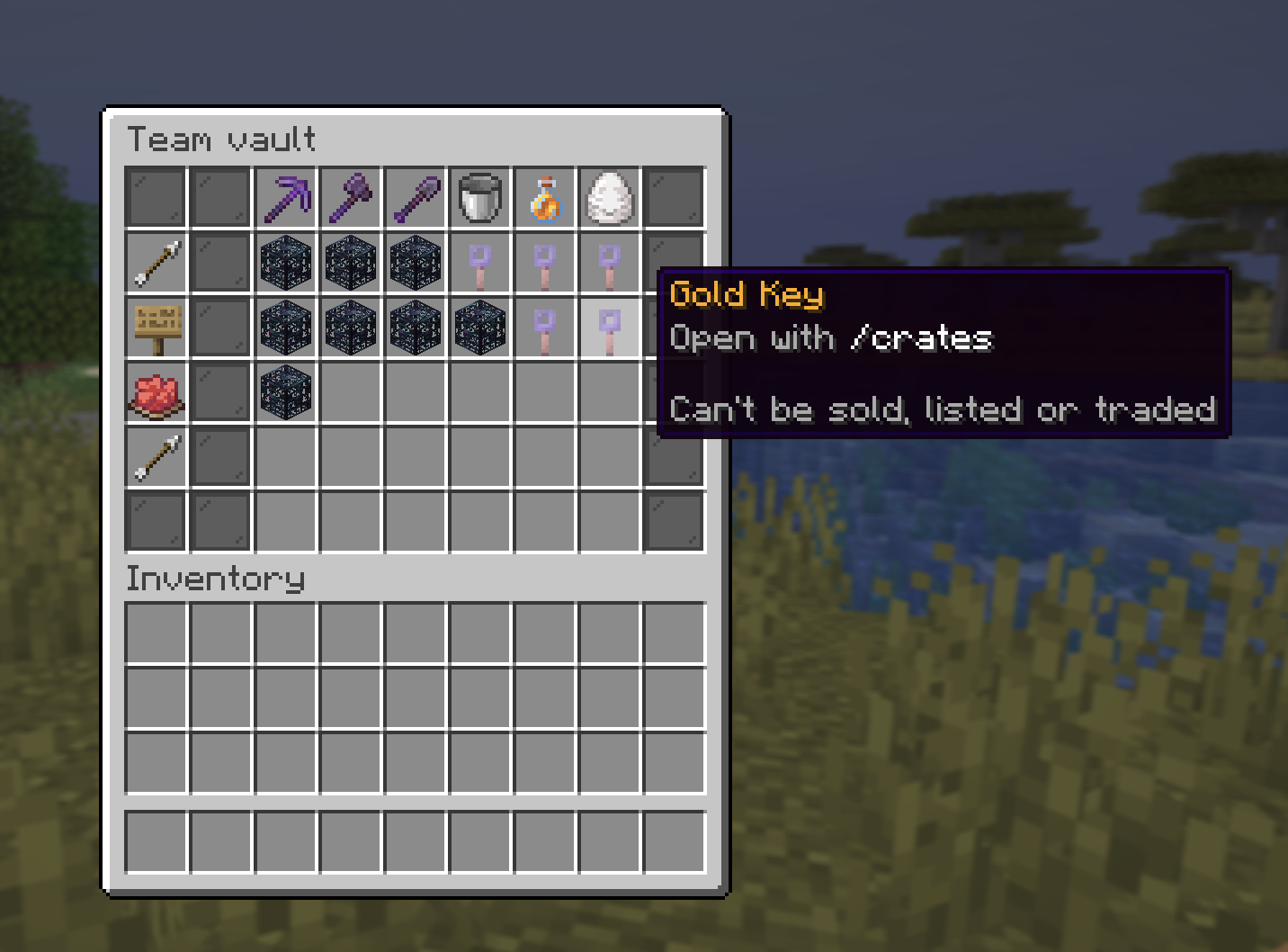
The 3-day Amethyst self-destruct still applies to items left in a team vault.